Thank you for being a subscriber of SnapFix: the official newsletter of Mosaic Moments®
MOSAIC MOMENTS® PRESENTS:
Join us for a FREE mini-class - see information below
Hello
A whole new year is just days away and I am so excited to share a few things that are coming in 2022, with you!
I have so many new dies that you are going to love. My team has been busy making new pages with them, and I have been blown away at how much better they are than I even imagined. I also have new grid
papers coming, and I can't hardly wait for them to arrive. But, possibly the best of all... I have brand new classes in the works!
While reading your responses to questions and polls, we've noticed one clear and constant reply. Many have been saying, "I just don't know where to begin!" So, this year, I will be offering a course that will give you confidence, not only to start, but to create layouts you will
LOVE!
You can learn more about my 3 week, "Where to Begin" course, when you join me for a FREE mini class (more info and registration link below).
See you there!
Tami Potter
Join Tami for a FREE 1 hour
mini-class
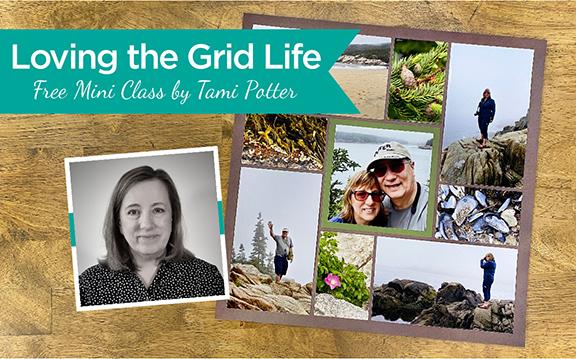
Discover the wonderful things using a grid can do to elevate your photos, during this LIVE mini class with Tami Potter, creator of the Mosaic Moments system.
There's no cost, but you will need to register. (This class is not on Facebook). Click the button below. It will take you to where you can add your name, to save a spot in the class. You will receive emails with information and a link to join the class.
We have two class times available. Space is limited, please select one:
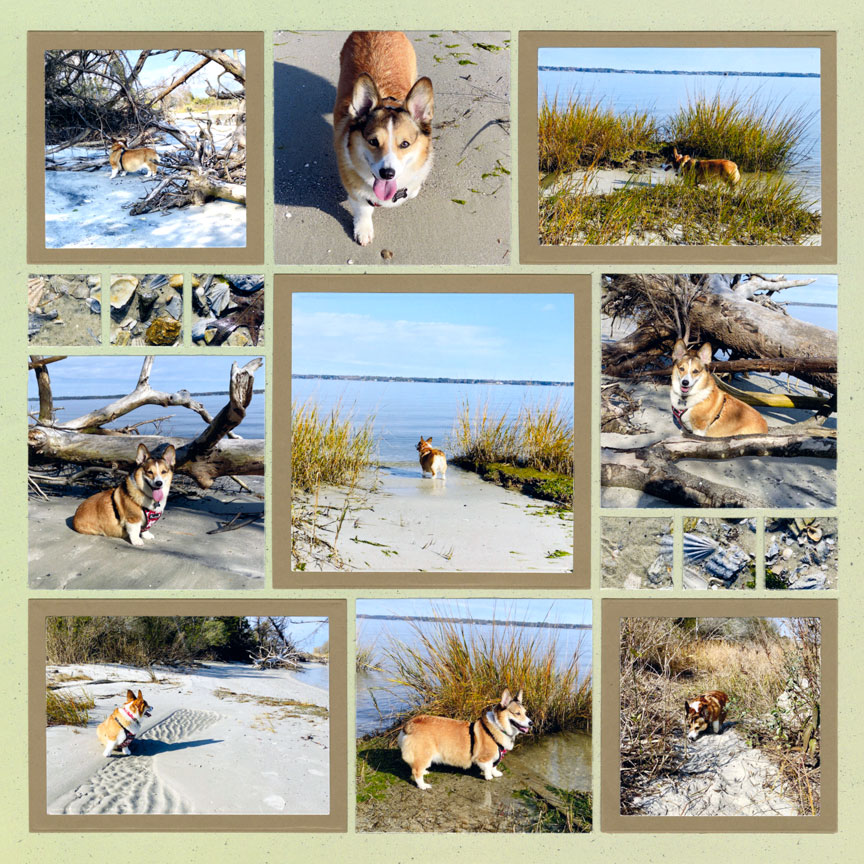
"Exploring the York River" by Paije Potter - Pattern #629
Have you ever found yourself with a lot of pet photos, and you just don't know what to do with them all?
Creating a layout with the basic die bundle is a great option when you have lots of pet photos. With the basic dies, the photos of your pet will be the biggest focus on your layout! Here, Paije matted five of her photos of her pooch, Sadie, to add extra space between each one. She also added 1x1" squares of shell detail photos for extra interest on her layout.
With the basic die bundle, your pages will be photo focused, and more of the story of will be shown!
Family vacations are the perfect time to take family portraits.
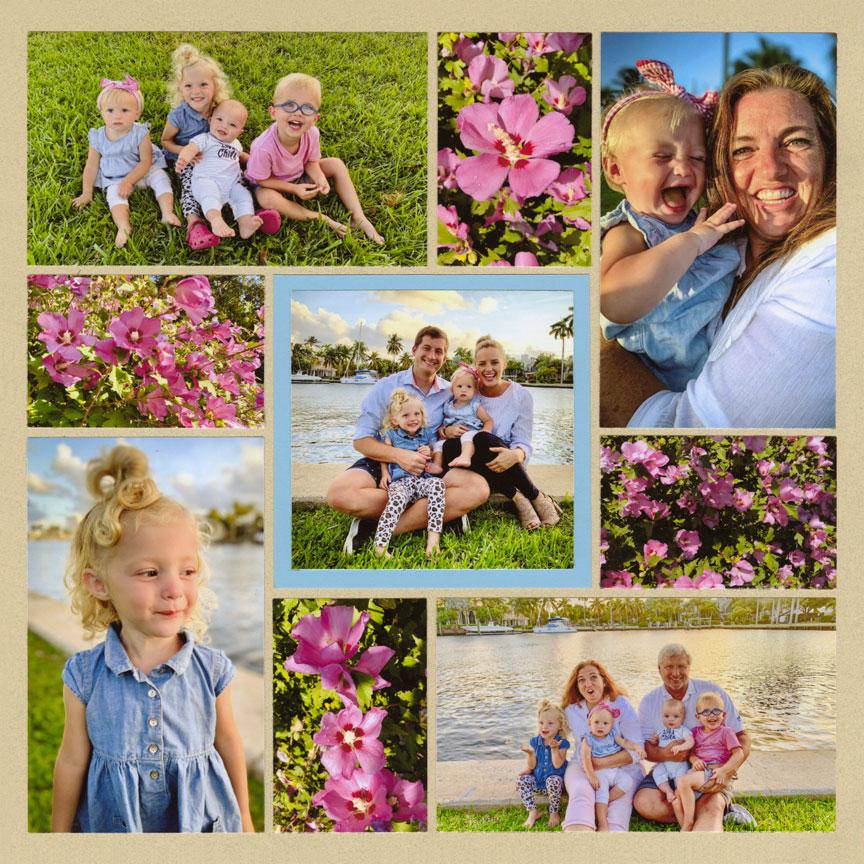
Everyone is relaxed and happy, and you are usually in a beautiful place. You can coordinate with a local photographer, or you can take them yourself with a travel tripod. These photos are perfect for layouts with just the Basic Die Bundle, because you'll want each awesome photo to be larger on your page. As you can see above, Jodi only matted the center focal photo.
Jodi filled in the extra design spots with photos of the tropical flowers in the park where the pictures were taken.
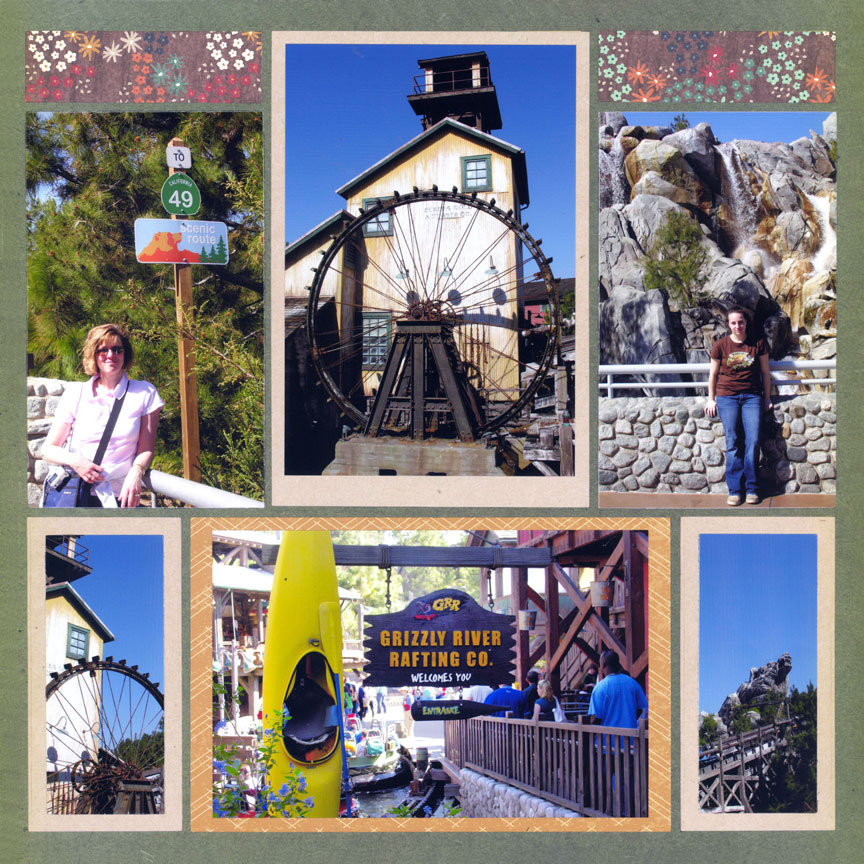
"Grizzly River Run" by Paije Potter - Pattern #200
Using photos from the theme park you visited is a great option for a page made with the Basic Bundle dies only.
You are usually pretty busy riding rides and hanging out with your friends and family, so you may not have a lot of pictures. Also, theme parks are usually packed full of amazing decorations, so your photos will be jammed full of details to look at. Paije matted most of her photos, and used the layering dies from the Basic Bundle. Notice how she chose to mat 3 similar photos that had the bright blue sky in the
background with the same color mat. She placed them in a triangle - the 4x6 at the top with the 2x4 photos at the left and right bottom.
The triangle shape in design is pleasing to eye and helps your eye to move around the page.
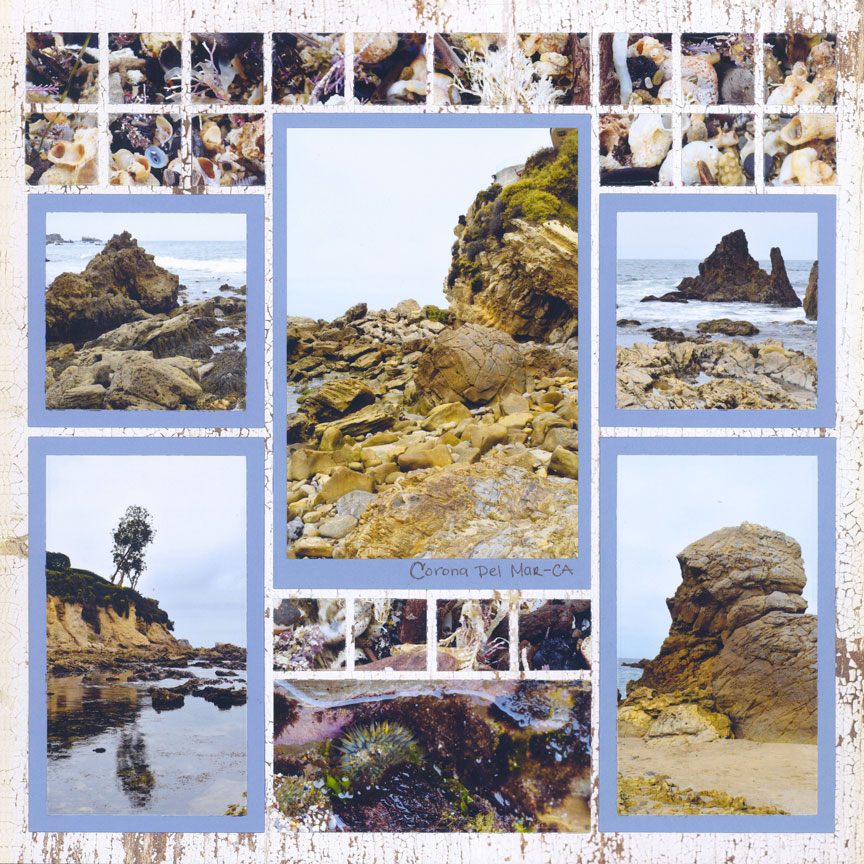
Beach trip photos are perfect for making a layout with the Basic Die Bundle.
Can you imagine how fun it would be to make simple pages at night after spending the day at the beach? You wouldn't have to pack everything. You could just take a few sheets of grid and card-stock, the die machine, your glue, and your Basic Die Bundle! That's our idea of a vacation - or should we say -
"scrap-cation".
Notice how Paije placed her focal photo on the mat - it didn't quite fit, so she aligned it at the top and had room for a little journaling at the bottom.
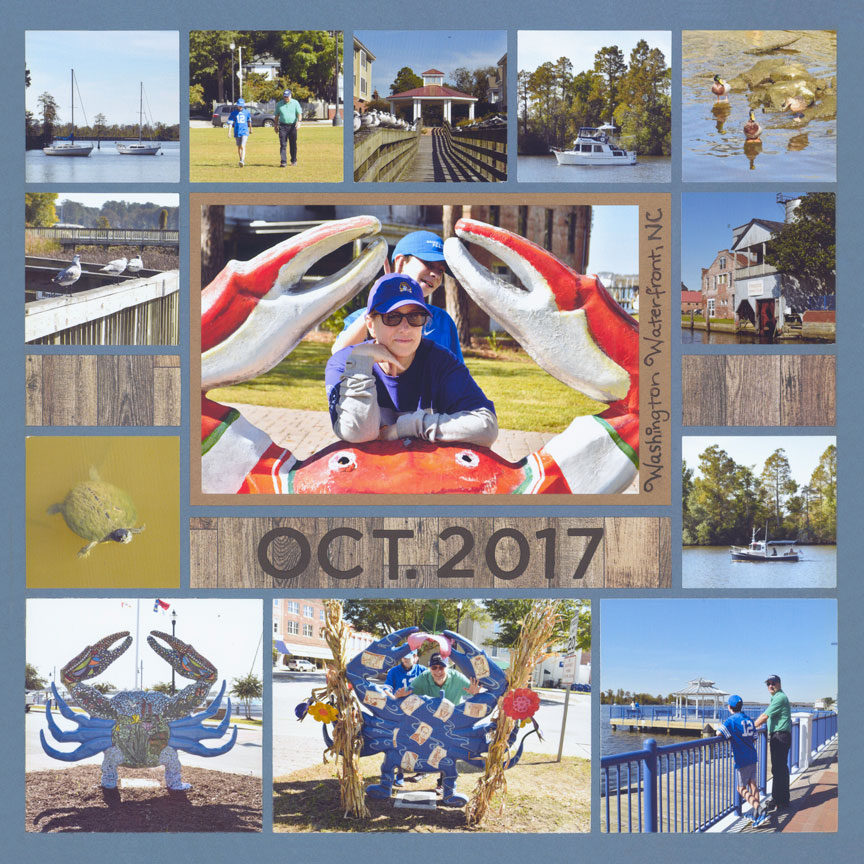
"Washington Waterfront" by Paije Potter - Pattern #412
The Basic Bundle is all you need when placing your pier photos on a scrapbook layout.
There are so many different lines and angles at a pier. All of your photos will look different and dynamic with just the basic dies on your page - no other dies are needed! In Paije's layout above, each of the small photos are cut to 2x2 size and they look great. The Bundle even has dies that you can make a title strip with.
Paije added the month and date with our Alphabet 2 and Numbers 2 dies for her 1x6 strip.
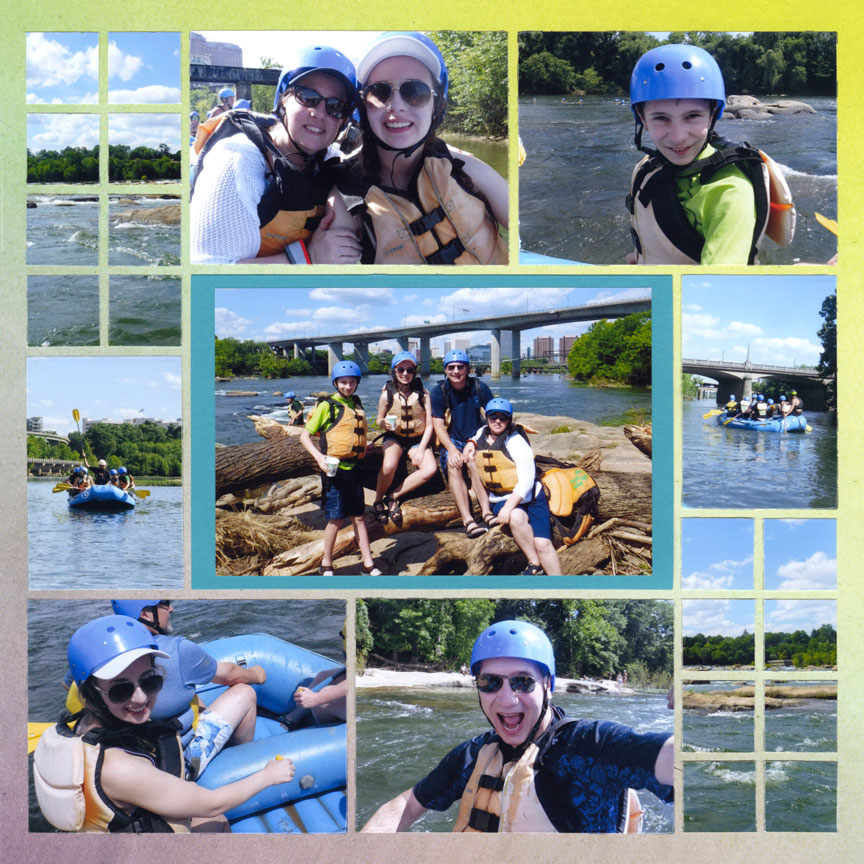
"Rafting the James River" by Paije Potter - Pattern #451
High adventure layouts are super exciting with just the Basic Bundle!
We have Adventure level dies, but you can use just the basics to create a thrilling white water scrapbook page. Notice how Paije's main photo didn't fit perfectly on her mat, so she chose to center it instead of cropping it smaller. The rest of her photos are 'mat-less'. They fit on the grid with the Basic Bundle dies. Paije even created two easy mosaics by cutting one water landscape photo with the one inch
grid die, and splitting it on each side of her page.
Because each photo has similar backgrounds (the water and rocks) the whole layout looks completely harmonious!
Join ourShare Tips & Ideas: Mosaic Moments Facebook Group. This is the place to ask questions that relate to the Mosaic Moments Page Design System and share your experience
using the system and products with others.
In this group you'll find suggestions that relate to Mosaic Moments customer preferences on topics such as: die machines, adhesives, organizers, printers, etc.
Find answers to your questions in the group by typing the subject (example: die machines) in the "search box". If nothing comes up from the search, add a post to ask your question. ALL questions must be related to the Mosaic Moments System/Products. (Non-related questions will be deleted without notice.)
This group is not for order comments/questions or issues, or for Snapncrop.com product stock questions. All questions regarding Snapncrop.com (orders, inventory, etc.) should be directed to our amazing customer service team.
Please note:Reading and agreeing to the group rules is required before access to this private group.